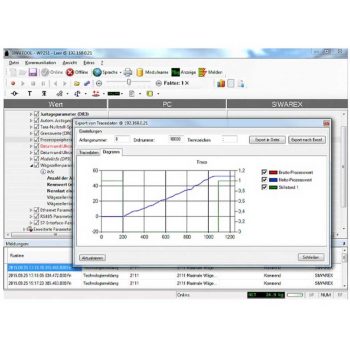
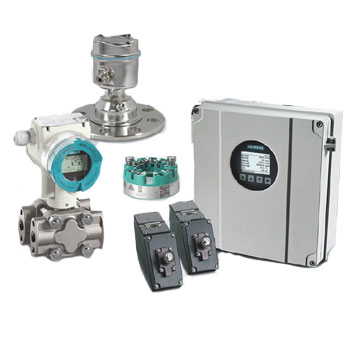
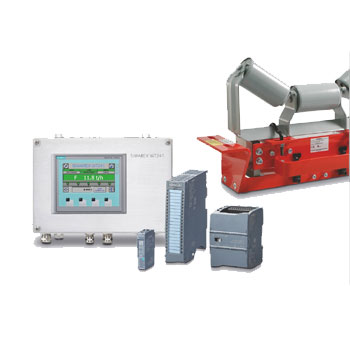
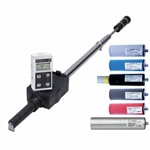
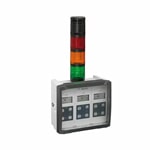



























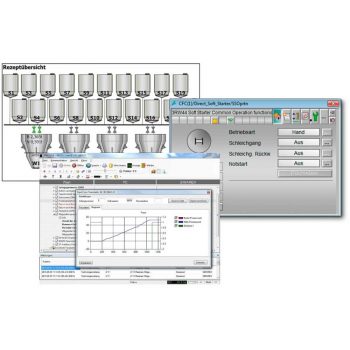
SIMATIC PCS 7 faceplates and function blocks as well as service tools make the commissioning and operation of SIWAREX weighing electronics as easy and convenient as possible.


Datasheet

  • No special SIMATIC knowledge is required to use SIWATOOL
  • Quick calibration and setting of parameters


Datasheet


Weighing Software – Configuration, Visualization & Data Management for Industrial Scales

Weighing software extends classic indicators and weighing controllers with powerful tools for configuration, visualization, data acquisition and documentation. It supports commissioning, optimization and monitoring of scales, dosing units and weighing processes.

Typical functions include convenient parameter setup, recipe and batch management, online visualization of weighing signals, long-term data logging, export to spreadsheets or SQL systems, and – depending on the solution – centralized management of multiple weighing stations.


FAQ About Weighing Software

Answers regarding functions, benefits, integration, licensing and common requirements.

What is weighing software used for?

It is used to configure weighing electronics, display weights and process values clearly, record and analyze measurement data, and manage recipes, batches and documentation.

What advantages does PC or HMI software offer compared to front-panel operation?

Software enables faster, traceable configuration, convenient backup/restore of settings, trend visualization, automated reporting and the centralized management of multiple devices.

What functions does typical weighing software provide?

  • Configuration and parameterization of indicators and weighing controllers
  • Online display of weight, system status and diagnostics
  • Data acquisition, logging and export (e.g. CSV, databases)
  • Recipe, dosing and batch management
  • User management with access rights
  • Service and diagnostic functions (cell tests, alarm history, system checks)

How is the software connected to the weighing electronics?

Typically via serial interfaces (RS-232/RS-485), Ethernet/PROFINET, USB or fieldbus gateways. The required method depends on the weighing device and available infrastructure.

What are typical system requirements?

Most solutions require a Windows PC or industrial PC with specific OS versions, .NET components or runtime environments. HMI-based systems follow the requirements of the respective panel manufacturer.

Can the software manage multiple scales simultaneously?

Yes. Many solutions allow parallel monitoring and control of several weighing channels — such as multiple platforms, hopper scales or belt scales in one plant.

How is licensing handled?

Licenses vary by product: single-station, multi-user or server licenses. Some systems offer per-channel licenses or feature-based modules (e.g. basic, recipe, reporting).

How does the software support audit and quality requirements?

It can store data in a traceable manner, create batch reports, log user actions and help meet standards such as ISO 9001 or industry-specific compliance rules.

What are common error sources?

  • Wrong or missing interface settings (baud rate, IP address, protocol)
  • Blocked communication ports or insufficient user permissions
  • Missing drivers or incompatible operating system versions
  • Incorrect system time leading to inconsistent logs or batch records

Can the software be integrated into existing IT systems?

Yes. Many packages support export to ERP, MES or LIMS systems – via file export, database interfaces, OPC/OPC UA or web services.

How can I request a quotation?

Please provide ICS Schneider Messtechnik with the type of weighing electronics used, number of scales, required software functions (e.g. recipe, reporting, multi-user operation), your IT environment and any compliance requirements. A suitable solution will be recommended.

Diese Website benutzt Cookies. Wenn du die Website weiter nutzt, gehen wir von deinem Einverständnis aus.