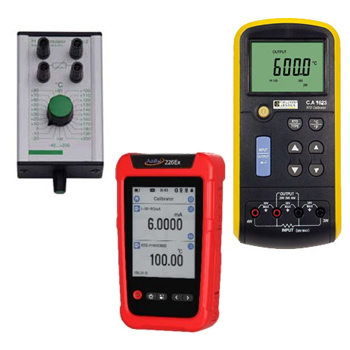
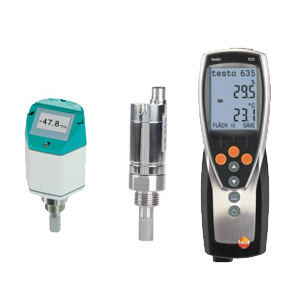
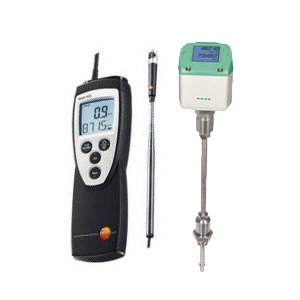
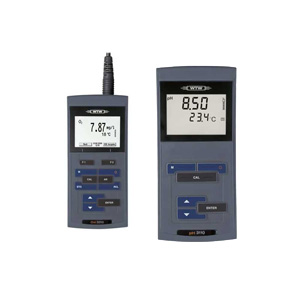
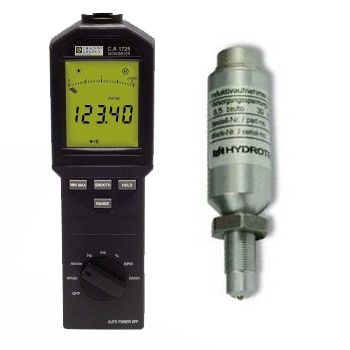
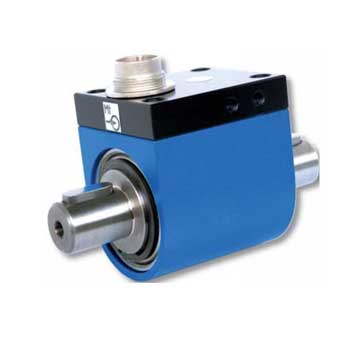
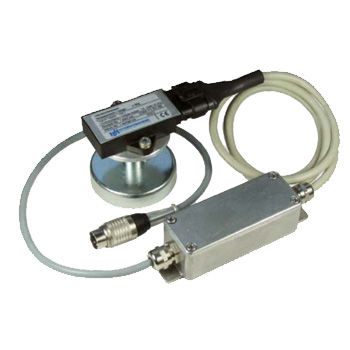
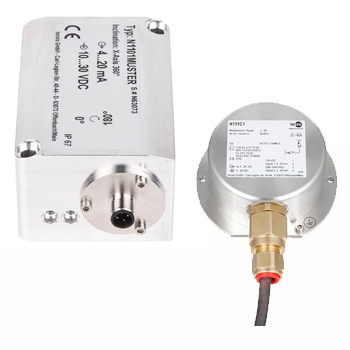
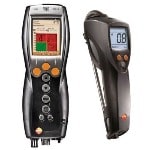
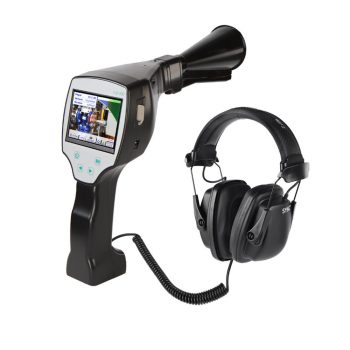
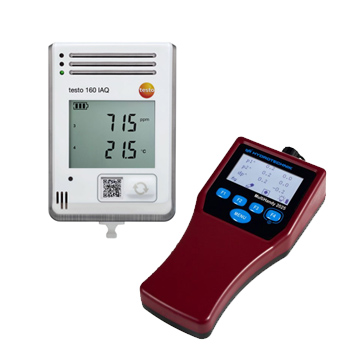
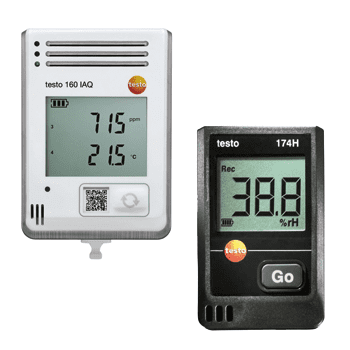
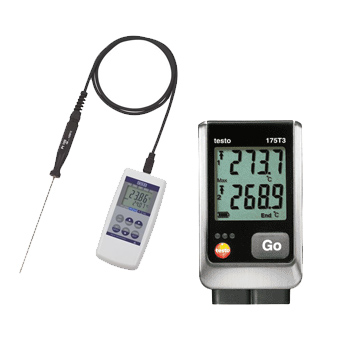
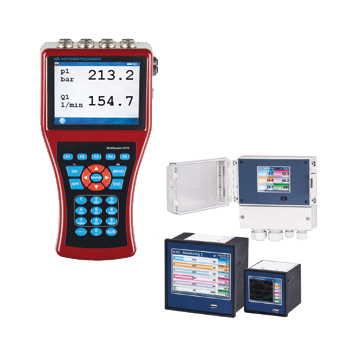
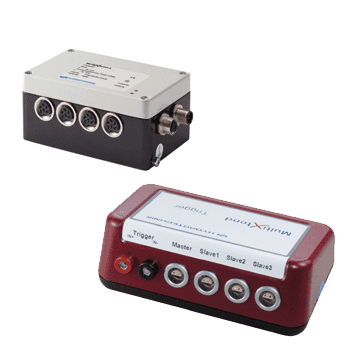
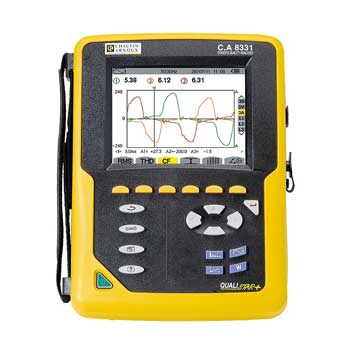
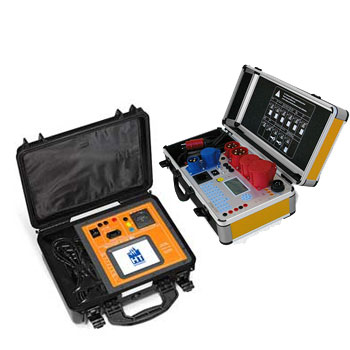
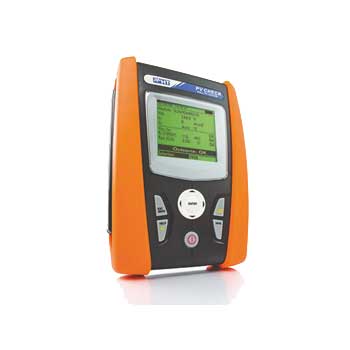
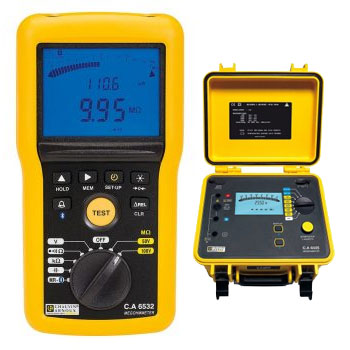
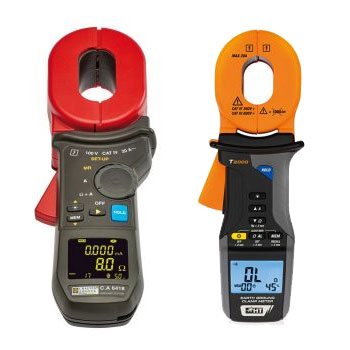
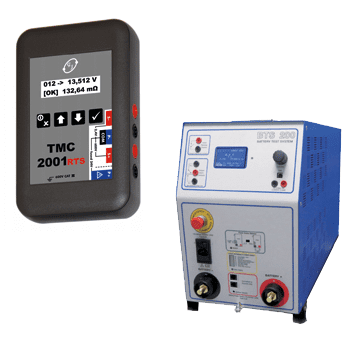
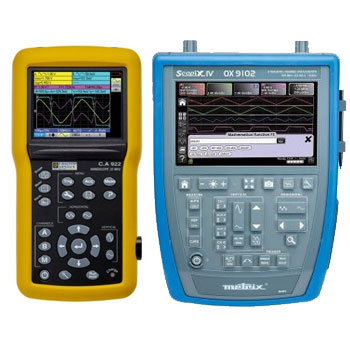
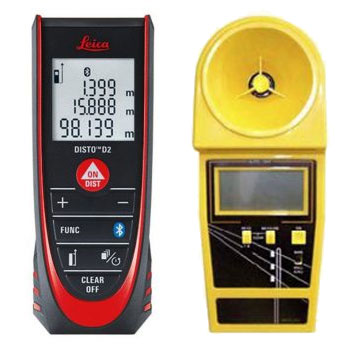
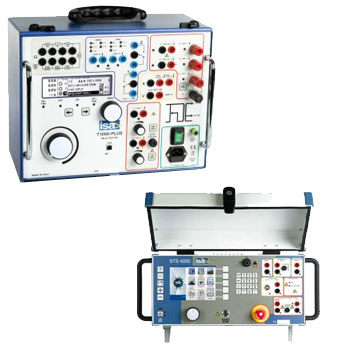
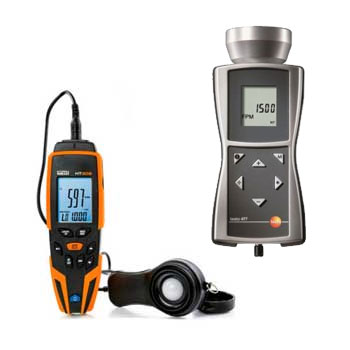
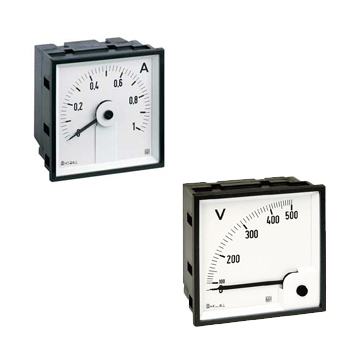
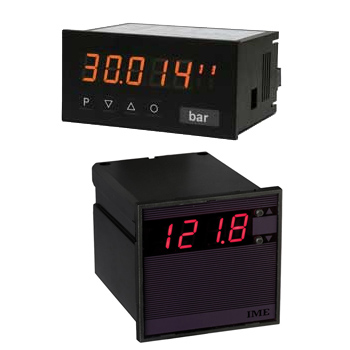
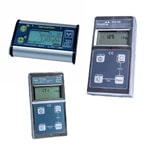
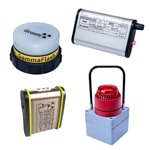
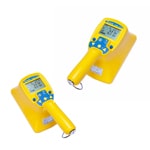
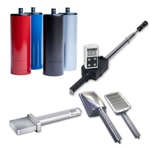
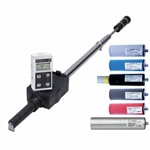
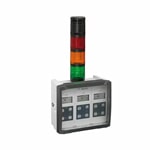
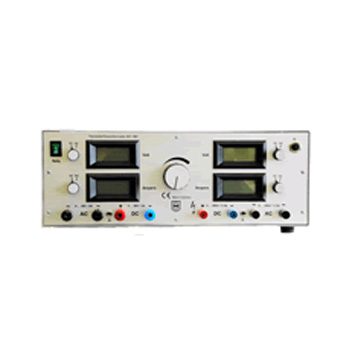
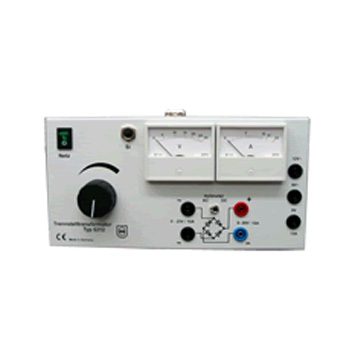


























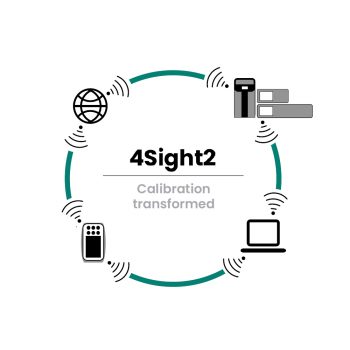
Calibration software allows you to manage complex schedules, provide complete documentation, and provide valuable insight into the use and wear and tear of your equipment.

Datasheet

  • Multicalibration of up to 7 test items possible
  • Templates for the creation of calibration certificates and logger protocols
  • Flexibility through individual settings
  • Simple operation and set-up of the software
  • SQL database independent from Microsoft® Access®
User Manual


Calibration Software – plan, execute, document & trace

Calibration software digitizes your entire asset lifecycle—from planning & scheduling, through guided procedures, to audit-ready documentation with a full traceability chain. It links references, calibrators and DUTs to your QMS/CMMS/ERP and generates reports with as-found/as-left data, point lists, tolerance results and expanded uncertainty.

Capabilities (solution-dependent): editable templates/workflows, barcode/QR, roles & permissions, e-signatures (e.g., 21 CFR Part 11), audit trail, multilingual UI, CSV/PDF/JSON export, API/OPC UA/Modbus/HART passthrough, batch calibration, device sync (USB/Bluetooth/LAN), cloud or on-prem deployment and ISO/IEC 17025–aligned templates.

ICS Schneider Messtechnik supports scoping, data migration, template/procedure design, instrument integration and training—including traceable calibration of your references.


FAQ on Calibration Software

Answers on features, integration, compliance, data model, reporting, security and best practices.

What core functions does calibration software cover?

Asset management, interval planning, route scheduling, guided procedures, data capture, tolerance checks, reports, e-signatures/audit trail and analytics.

Does it support as-found/as-left?

Yes—workflows store before and after datasets with comments, responsibility, timestamps and deviation analysis.

How are uncertainties handled?

Procedures define test points, reference accuracy, resolution, stability and ambient factors. The system calculates expanded uncertainty (k=2) and reports the target TUR.

Which instruments can be connected?

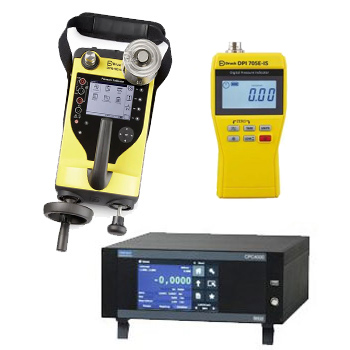
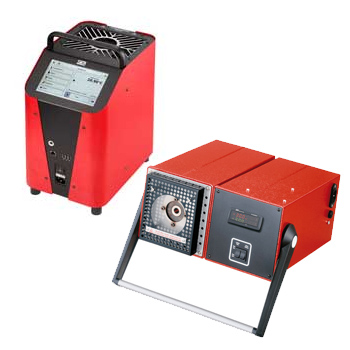
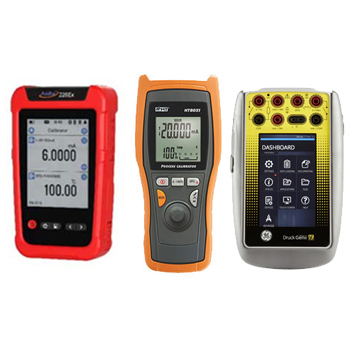
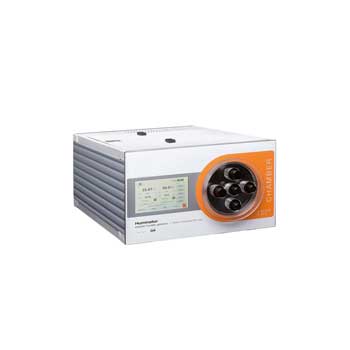
Process calibrators, pressure controllers/pumps, digital gauges, temperature calibrators (dry-well/liquid bath), multimeters, RTD/TC indicators via USB/LAN/Bluetooth, SCPI, Modbus, OPC UA, some with HART passthrough.

How does it integrate with CMMS/ERP/QMS?

Through REST/CSV and OPC UA. Master data (assets, locations, owners), work orders and certificates sync bidirectionally.

Are templates available for different measurands?

Yes—pressure (g/abs/Δp), temperature (sensors/indicators), electrical (mA/V/Hz), flow, level. All templates are editable (point sets, dwell, stability criteria, acceptance rules).

Does it support barcode/QR?

Yes—scan asset IDs, start jobs and print labels with next due date and a certificate link.

Which compliance features are included?

Audit trail (who/what/when), roles/permissions, e-signatures, procedure version control and archiving per retention policies (e.g., 21 CFR Part 11).

Cloud or on-prem?

Either. Cloud for easy updates & scale; on-prem for restricted IT/OT. Offline caching for field work is common.

What do reports/certificates look like?

PDF/CSV with headers/footers, traceability chain, point tables, as-found/as-left, uncertainty, tolerance verdicts and e-signatures.

How are intervals & reminders planned?

By time, usage or risk, with automated notifications. Optional lockout for overdue instruments.

Which languages/units are supported?

Multilingual UI & reports; SI/imperial switchable; region/time zone per site; °C/K, bar/psi, etc., configurable.

How secure are data and access?

RBAC, 2FA, TLS, encrypted backups, site/group scoping; optional GxP features for regulated industries.

Can I add custom fields & workflows?

Yes—custom fields (medium, test pressure, location), status models (stored/in test/blocked) and multi-stage approvals.

How does field device synchronization work?

Jobs/procedures sync to mobile clients or calibrators; measurements return automatically. Offline data are buffered and reconciled later.

Does it handle images/attachments?

Yes—store photos of setups, schematics, P&IDs, OEM certificates, IQ/OQ checklists with versioning.

How do I migrate from Excel/legacy?

Via CSV/XLSX import with mapping, validation and de-duplication. ICS assists with data cleansing and master-data design.

Which licensing models exist?

Node-locked, floating or subscription per user/asset. Service teams often prefer concurrent users; API/OPC add-ons by tier.

What’s the best way to start?

Run a pilot (e.g., pressure + temperature), lock down templates, define roles and prepare a migration list; then roll out in waves.

Do you offer training & support?

Yes—admin training, operator coaching, template workshops, go-live support and ongoing updates.

Diese Website benutzt Cookies. Wenn du die Website weiter nutzt, gehen wir von deinem Einverständnis aus.