
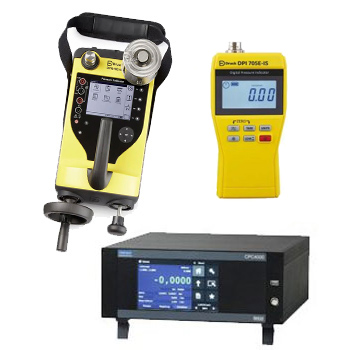
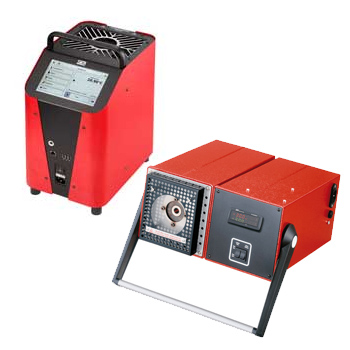
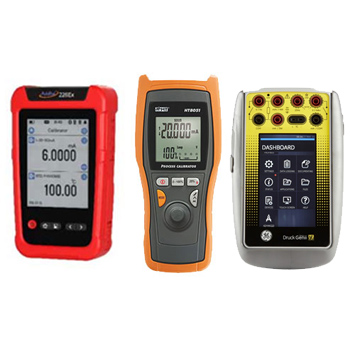
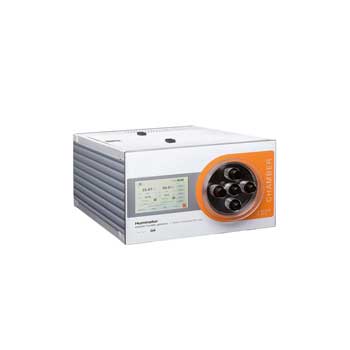
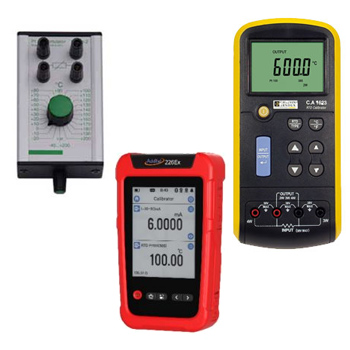
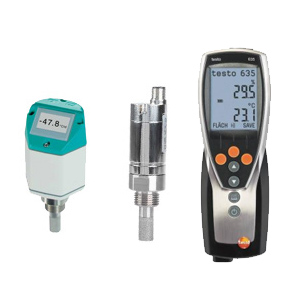
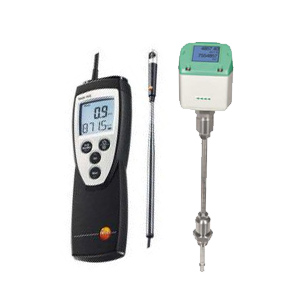
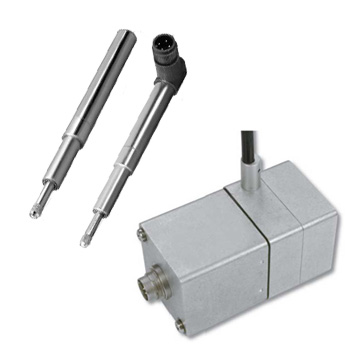
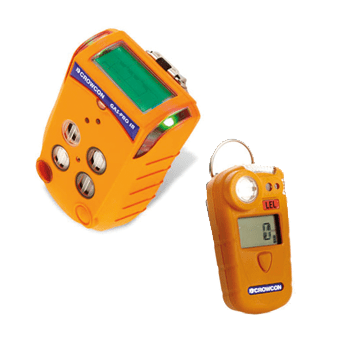
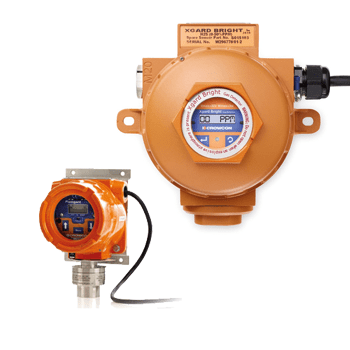
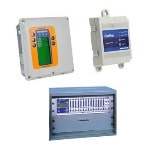
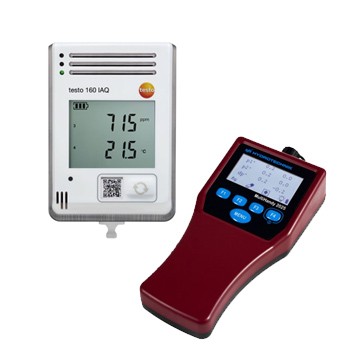
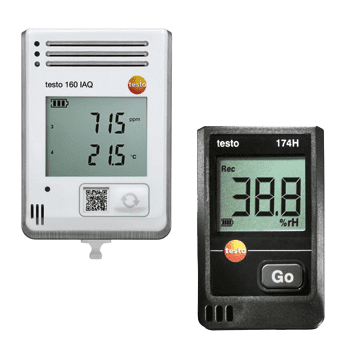
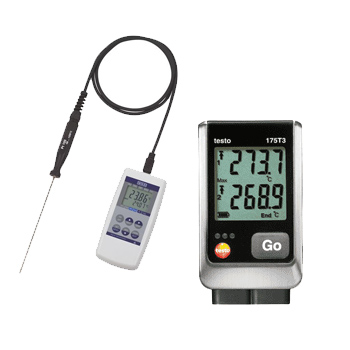
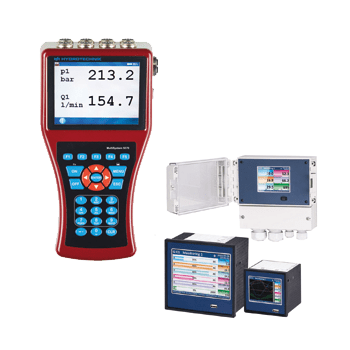
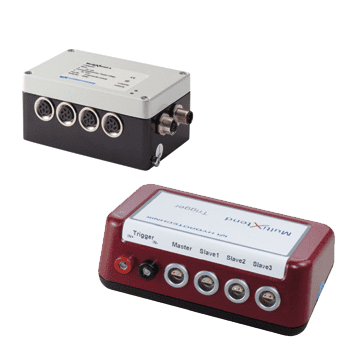
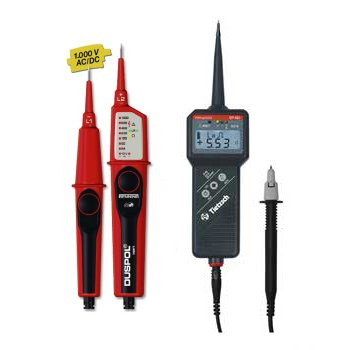
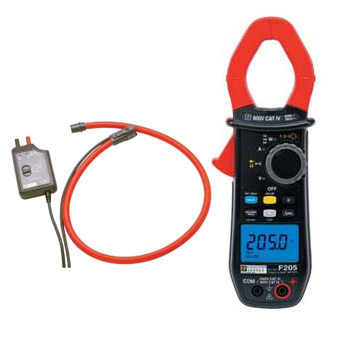
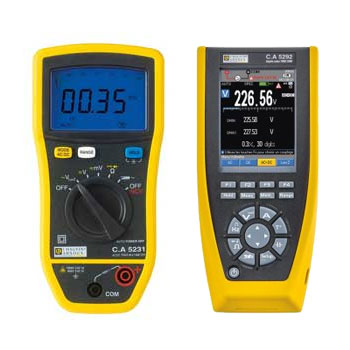
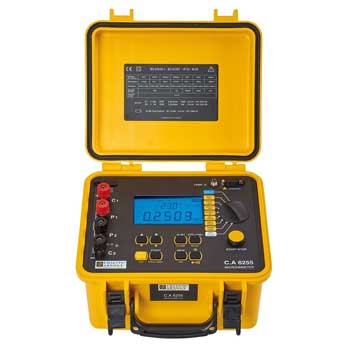
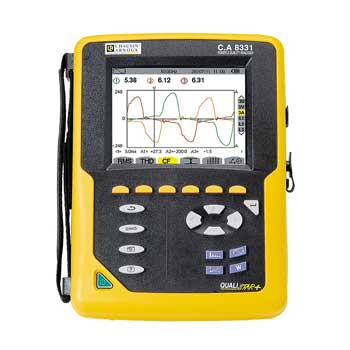
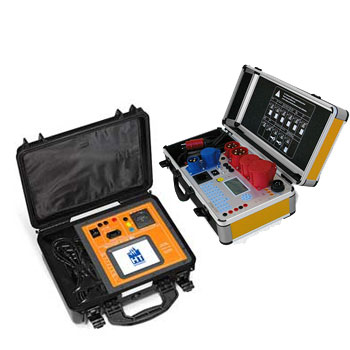
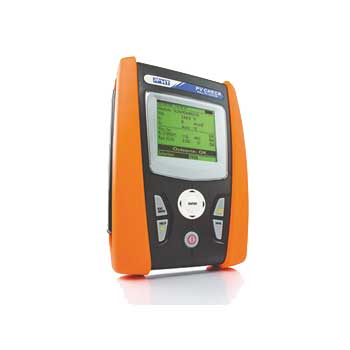
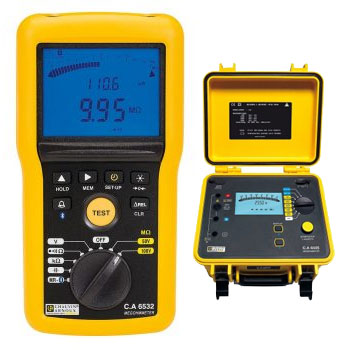
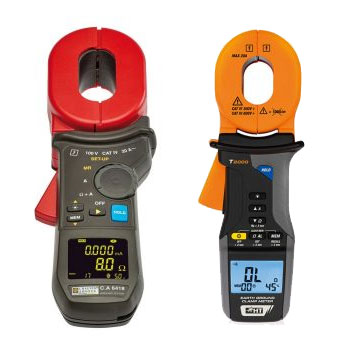
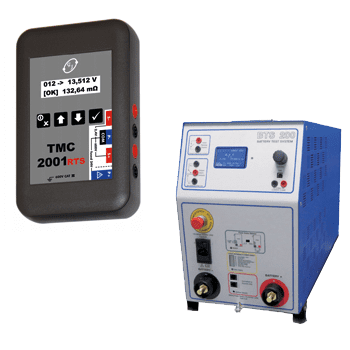
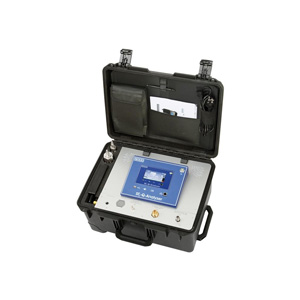
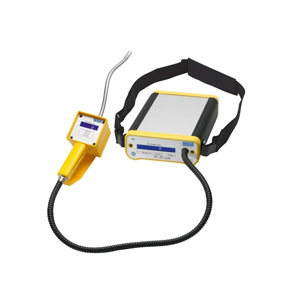
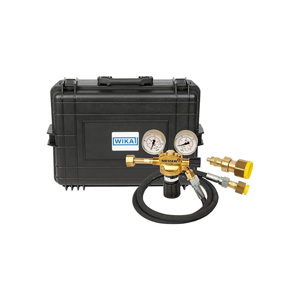
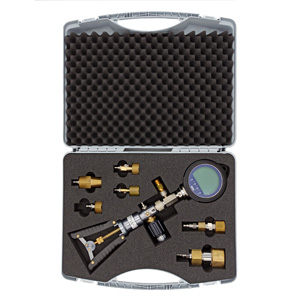
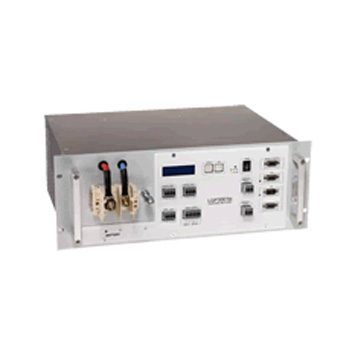
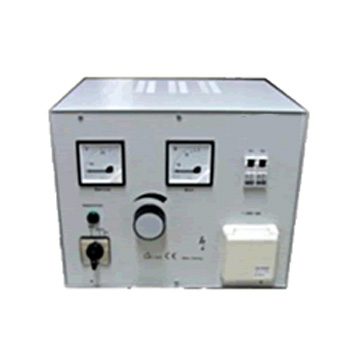
























Calibration software allows you to manage complex schedules, provide complete documentation, and provide valuable insight into the use and wear and tear of your equipment.
Datasheet |
- Multicalibration of up to 7 test items possible
- Templates for the creation of calibration certificates and logger protocols
- Flexibility through individual settings
- Simple operation and set-up of the software
- SQL database independent from Microsoft® Access®
User Manual
|
Calibration Software – Traceable Documentation, Efficient Testing
Calibration software connects reference instruments, pressure sources and DUTs into a unified workflow: from automatic point sequencing and data capture & validation through to reports, certificates and audit-proof archiving. Interfaces for USB/RS-485/Ethernet, built-in drivers for common devices, and templates for DAkkS/ISO-compliant documentation ensure repeatable results.
ICS Schneider Messtechnik supplies software tailored to your references and calibrators, sets up templates, tolerance schemes and SOPs, integrates with QM/CAQ systems on request, and trains your team—for fast, clean and traceable calibration processes.
FAQ on Calibration Software
Answers about scope, device connectivity, automation, compliance, data formats, licensing and best practices.
What tasks does calibration software handle?
Planning of test points, control of pressure sources, acquisition/validation of readings, calculation of deviation/TEB/uncertainty, and creation of test reports and certificates.
Which interfaces are supported?
Typically USB, RS-232/RS-485, Ethernet/TCP, sometimes GPIB. Drivers/protocols for reference gauges, controllers, pressure regulators and multimeters are commonly included.
Can the software drive setpoints automatically?
Yes—via sequences with ramp up/down, stability criteria and dwell times. This improves repeatability and reduces operator errors.
How are tolerances and pass/fail evaluated?
Using configurable tolerance bands (e.g., % of reading/FS) and rules for pass/fail, with visual flags and automatic summaries.
Does it generate DAkkS/ISO-compliant certificates?
Yes—editable templates include required fields (device IDs, traceability chain, environmental conditions, uncertainty, inspector, date, signature/e-signature).
Which export/archival formats are available?
CSV/XLSX for analysis, PDF for certificates, optional JSON/XML for system integration. Digital signatures and version stamps are recommended.
How is measurement uncertainty considered?
With integrated uncertainty calculation (reference, resolution, repeatability, environment). Parameters are saved in templates and remain auditable.
Are multi-point and hysteresis tests supported?
Yes—standard sequences cover multi-point, up/down, hysteresis, linearity and repeatability with auto-evaluation.
How are devices identified?
By serial numbers/IDs, barcode/QR scan, or auto-detect via drivers. Master data (range, medium, connection) is stored with each record.
Can I define my own SOPs?
Yes—workflows with step-by-step instructions, parameters and roles (operator/approver) can be saved as templates and shared across the company.
How is data integrity ensured?
Through user/role management, change logs (audit trail), optional eSign, and version control for templates/certificates.
Is integration with CAQ/QM/ERP possible?
Yes—via import/export, databases or REST/OPC (product-dependent). Master data and results flow seamlessly into your quality system.
How are environmental conditions captured?
Manually or automatically (T/RH/ambient pressure). Values feed into corrections and the certificate.
What license models exist?
Single seat, floating, or server/client. Options for additional device drivers, modules (uncertainty, scripting) and users are common.
Is remote/multi-station use supported?
Many solutions support network operation, central data storage and simultaneous use across multiple calibration benches.
How do I integrate barcodes/QR codes?
Via scanner input for fast identification, loading of master data and avoidance of typing errors.
What hardware prerequisites are recommended?
Current Windows, stable USB/COM drivers, sufficient RAM/SSD, redundant backups. For Ethernet devices: fixed IP ranges/VLANs.
How does ICS Schneider support implementation?
With installation/integration, template setup, training (operation, uncertainty budget) and validation on your DUTs.
Tips for repeatable results
- Use standardized ramps & dwell times
- Enable stability criteria (Δp/Δt)
- Re-calibrate references regularly and attach certificates


Datasheet
User Manual