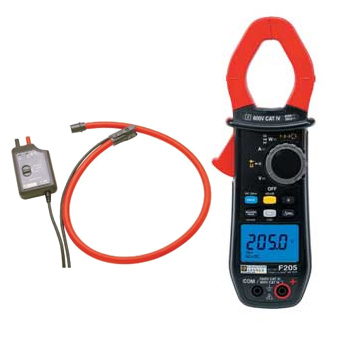
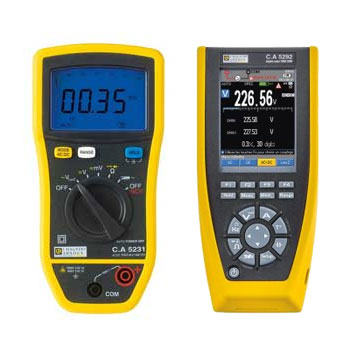
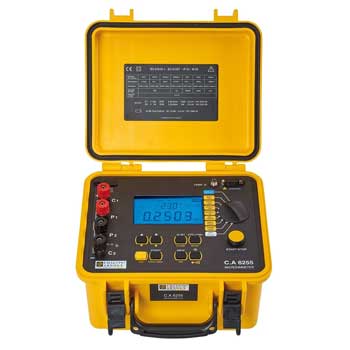
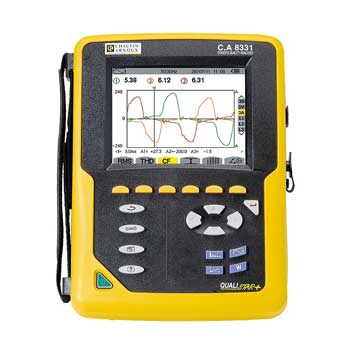
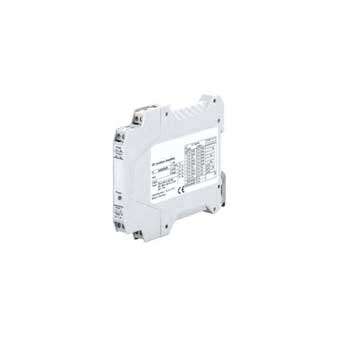
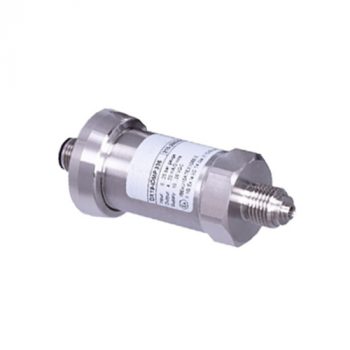
























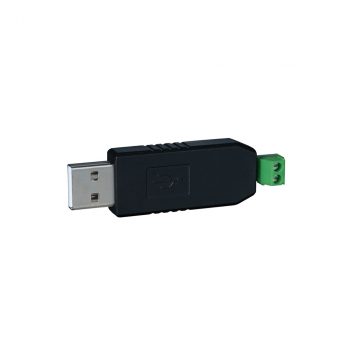
Conversion interface RS485/USB communication
| OUTPUT | USB |
|---|---|
| INPUT | RS485 |
| TYPE | Conversion interface RS485/USB communication |
Datasheet
|
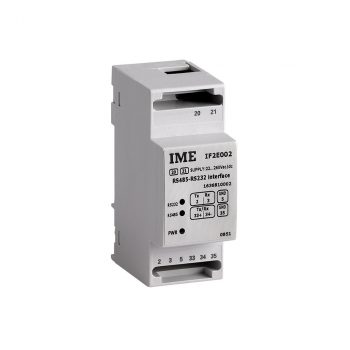
Conversion interface RS485/RS232 e RS232/RS485 communication
| AUX | 80...270 Vac/110...300 Vdc |
|---|---|
| OUTPUT | RS232-RS485 communication |
| FORMAT | 2 DIN module |
| TYPE | Conversion interface RS485/RS232 e RS232/RS485 communication |
Datasheet
|
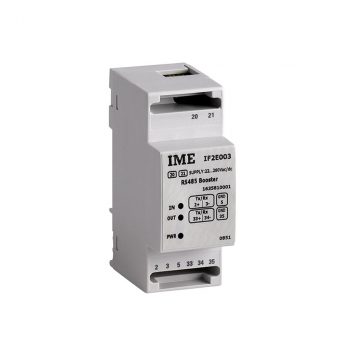
RS485 booster interface
| AUX | 80...270 Vac/110...300 Vdc |
|---|---|
| OUTPUT | RS485 communication |
| FORMAT | 2 DIN module |
| TYPE | RS485 booster interface |
Datasheet
|
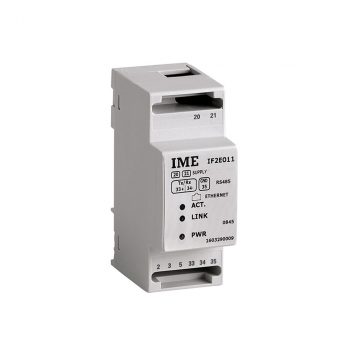
Conversion interface RS485/Ethernet communication
| AUX | 80...270 Vac/110...300 Vdc |
|---|---|
| OUTPUT | Ethernet communication |
| FORMAT | 2 DIN module |
| INPUT | RS485 |
| TYPE | Conversion interface RS485/Ethernet communication |
Datasheet
|
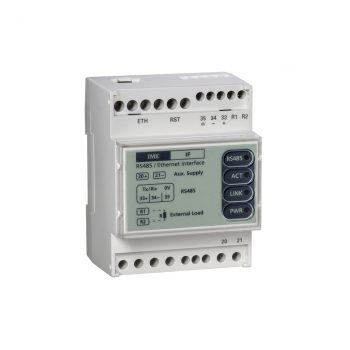
Multisession interface with datalogger for 64 instruments
| AUX | 80...270 Vac/110...300 Vdc |
|---|---|
| OUTPUT | Ethernet communication |
| FORMAT | 4 DIN modules |
| INPUT | RS485 |
| TYPE | Multisession interface with datalogger for 64 instruments |
Datasheet
|
User Manual
|
Communication Interfaces for Energy Meters & Measurement Devices
Communication interfaces in energy meters and measurement devices are built-in or add-on modules that enable digital or electronic transmission of measurement data (energy, current, power, etc.) to higher-level systems such as building automation, energy management or control systems. This allows centralized data acquisition, logging and remote monitoring instead of manual reading at the meter.
Common interfaces and protocols include Modbus (often over RS-485), M‑Bus for consumption-metering networks, pulse or impulse outputs (e.g. S0 or similar), and in some devices Ethernet or field-bus connectivity. These communication options make meters network-capable and suitable for building-wide or plant-wide monitoring and automation systems.
Questions & Answers on Communication Interfaces
What does „communication interface“ mean in this context?
An interface that allows a meter or measurement device to transmit its data digitally to external systems instead of — or in addition to — local display.
Which protocols/interfaces are commonly used?
Commonly Modbus (RS-485), M-Bus, pulse outputs, and sometimes Ethernet or field-bus connections depending on the device.
Why are communication interfaces useful?
They enable centralized data collection, logging, energy monitoring, load management and system integration — ideal for buildings, industrial plants, sub-metering setups or automation environments.
Which measurement data can be transmitted?
Data such as current, voltage, power, energy, power factor, frequency, consumption totals, load curves — depending on the meter’s capabilities — and optionally events or fault states.
Can multiple meters be connected via one interface?
Yes — bus systems allow multiple devices to be connected in a network, making complex monitoring systems feasible with a single bus topology.
Is special hardware needed for communication?
Depending on the interface: RS-485 bus requires a compatible controller/master, M-Bus needs a master/gateway, Ethernet or field-bus may require network modules or gateways. Proper wiring and configuration are essential.
For what applications are communication-enabled meters recommended?
Energy management, building automation, industrial monitoring, consumption tracking, sub-metering, load balancing, remote reading or integration into SCADA/BMS systems.
What needs to be considered when implementing such systems?
Correct protocol, addressing, bus termination, wiring, power supply and compatibility with the supervision system — to ensure reliable, stable data transfer.
Are there drawbacks compared to simple meters?
Yes — increased system complexity, possible need for additional hardware (gateways, bus infrastructure), higher cost and more planning effort compared to simple analog or pulse-only meters.


Datasheet