







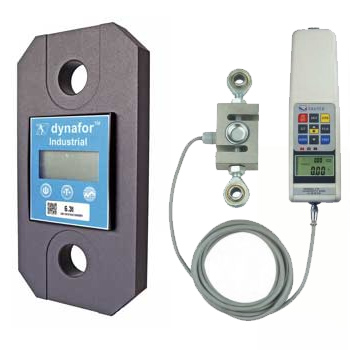
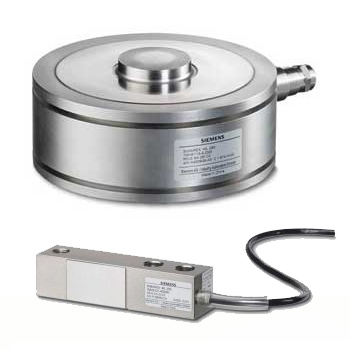
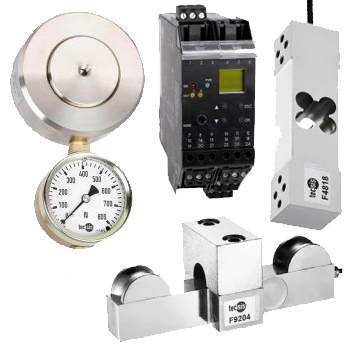
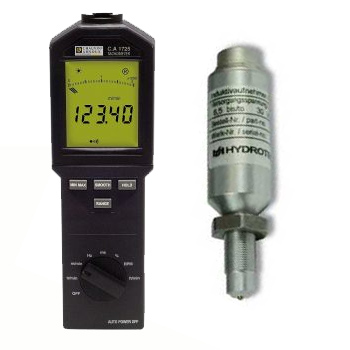
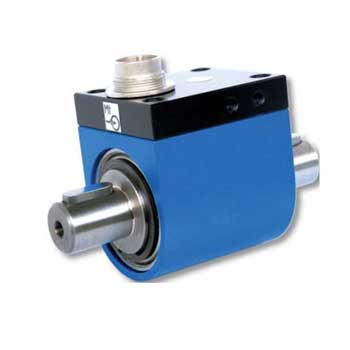
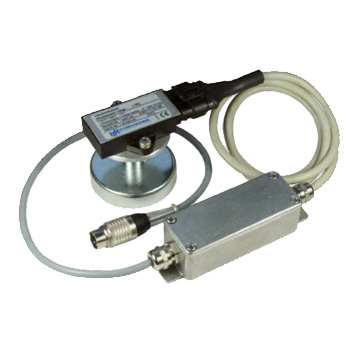
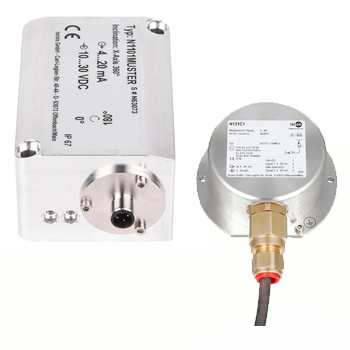
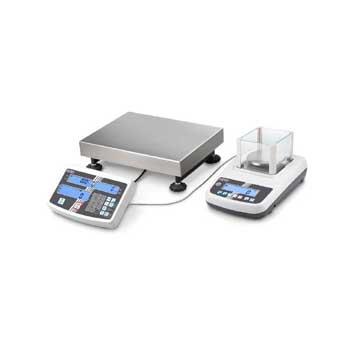
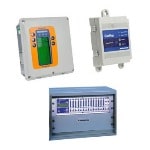
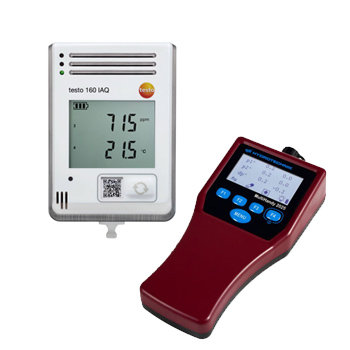
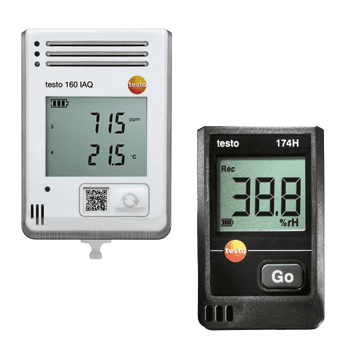
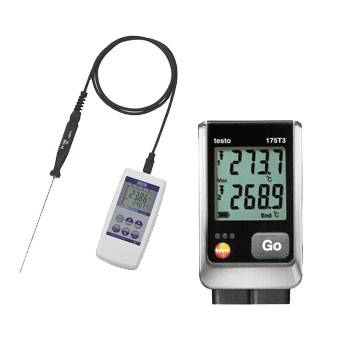
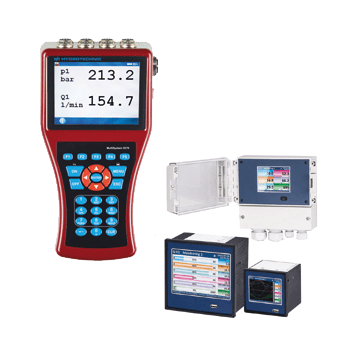
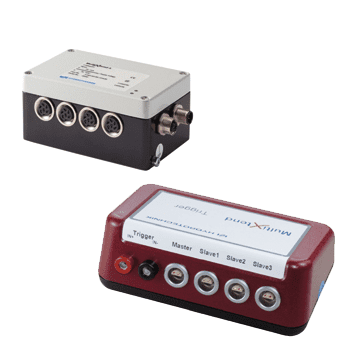
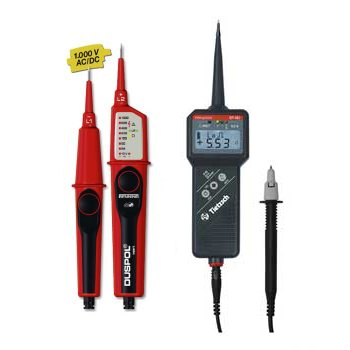
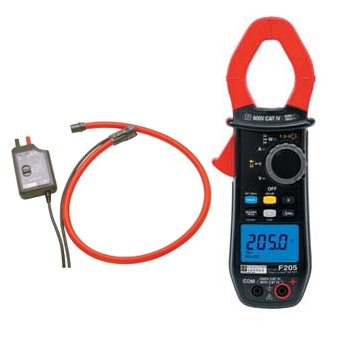
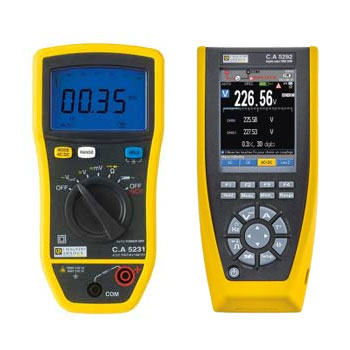
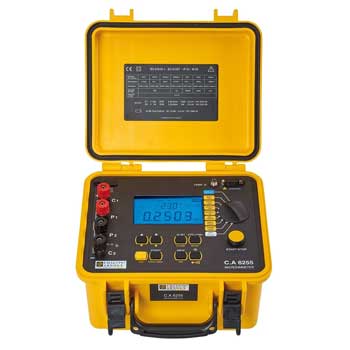
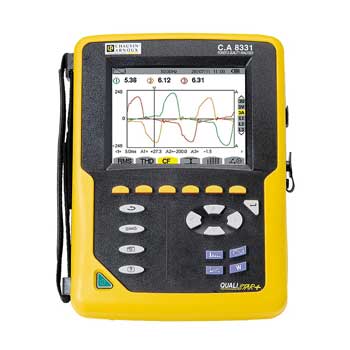
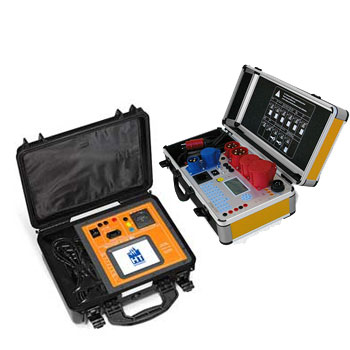
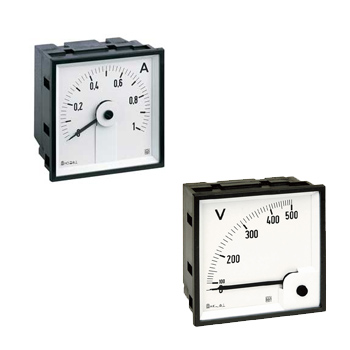
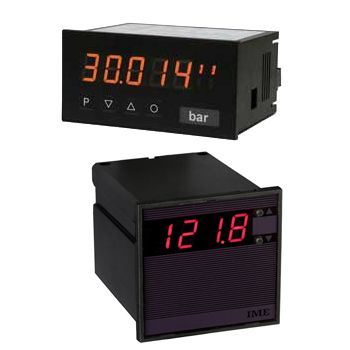
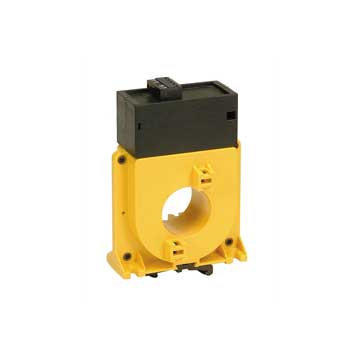
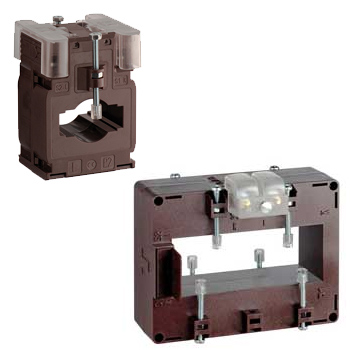


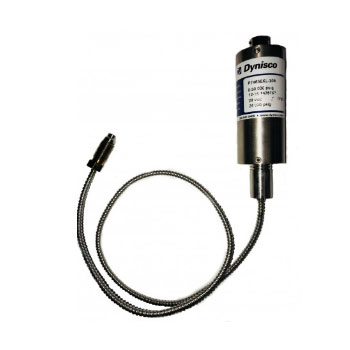
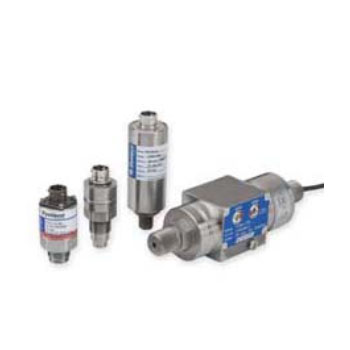
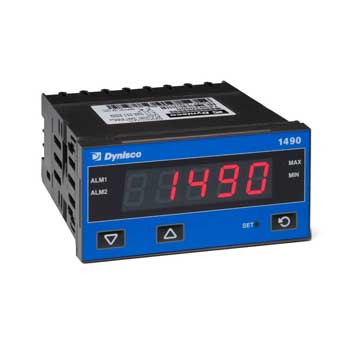
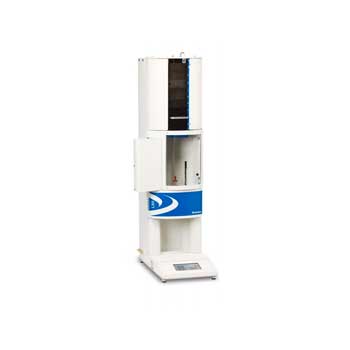
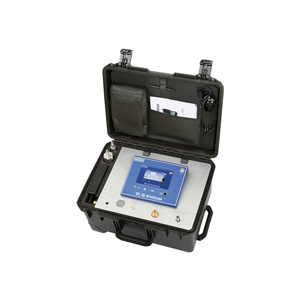
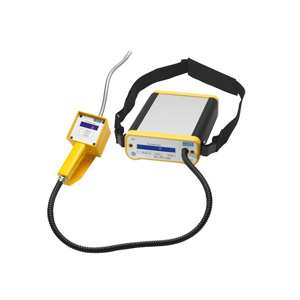
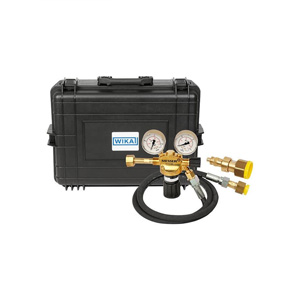
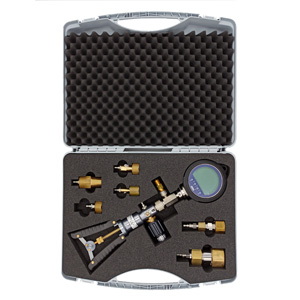
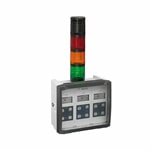
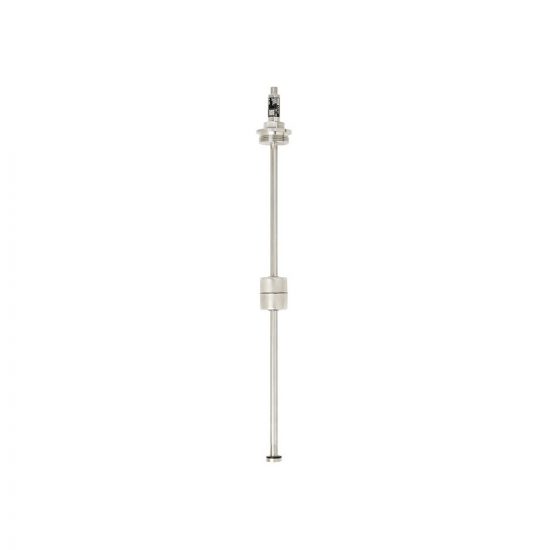
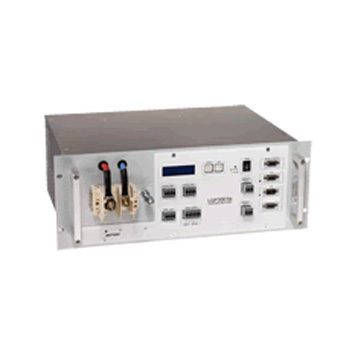
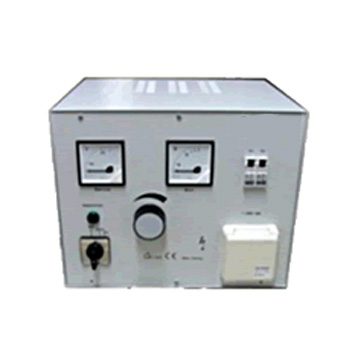
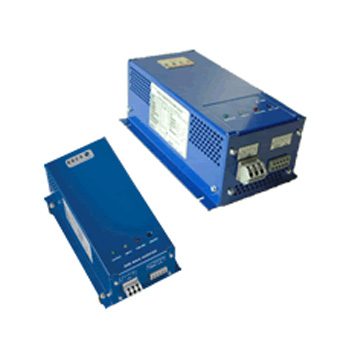
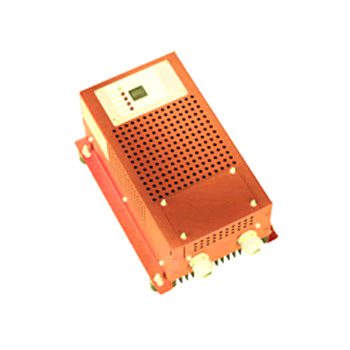

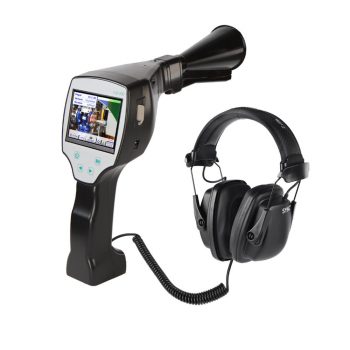
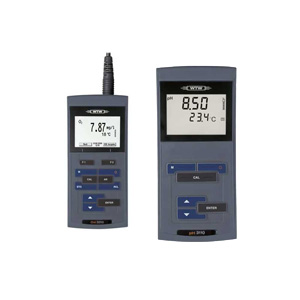






















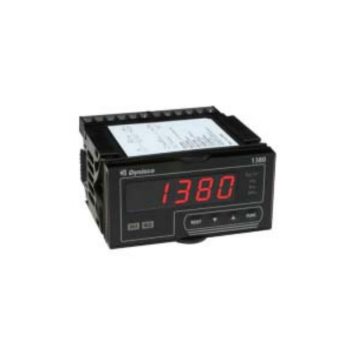
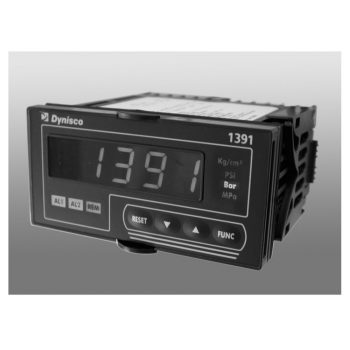
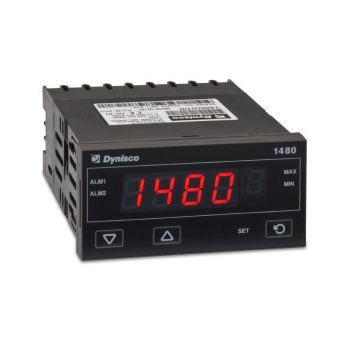
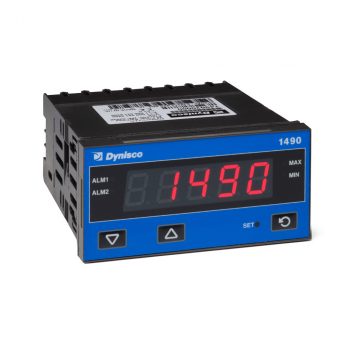
- Universal Input (Strain Gauge, Voltage, Current, Thermocouple or RTD)
- Min/max Value Hold
- 2 Alarm Outputs
- Retransmission
 Datasheet Datasheet
|
- Universal Input
- 2 Alarm Outputs
- Retransmission
- Min/max Value Hold
- Modbus Communications
- Transmitter Power supply
|
Datasheet
|
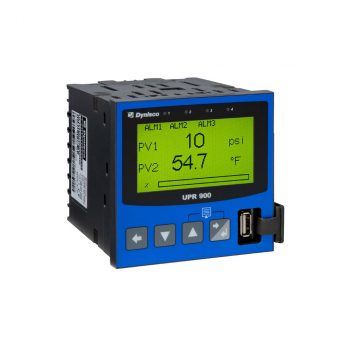
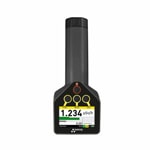
- Graphical/text LCD Display with color change LED backlight on alarm (red/green)
- Graphical trend view of process, alarms & events as standard
- Easy to use Setup Wizard
- USB port option for access to configuration and log files
- Data logging option logs process values, set points and alarms to .csv file for use with spreadsheets
- Modbus RS-485 and Modbus TCP Ethernet supported
- BlueControl configuration and commissioning software option
- Display pressure, temperature, or even differential pressure
- Optional second input/output for cost-effective single instrument
- Analog retransmission of process variable allows signal to be sent to other devices
- Configure locally or remotely by optional Modbus RTU
| Datasheet |
| User Manual |
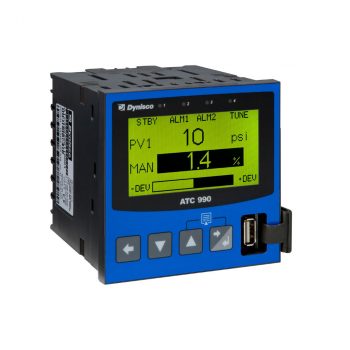
- Auto-tuning control in a discrete 1/4 DIN package
- Graphical/text LCD Display with color change LED backlight on alarm (red/green)
- Graphical trend view of process, alarms & events as standard
- Easy to use Setup Wizard
- Single loop control
- Display and control of differential pressure is available
- USB port option for access to configuration and log files
- Data logging option logs process values, set points and alarms to .csv file for use with spreadsheets
- Modbus RS-485 and Modbus TCP Ethernet supported
- BlueControl configuration and commissioning software option
|
Datasheet
|
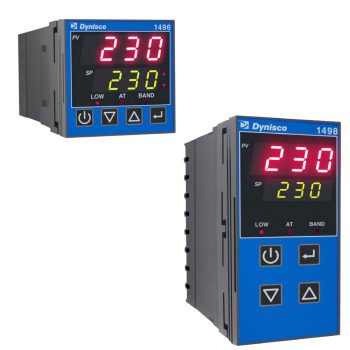
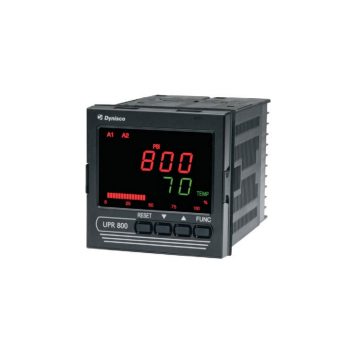
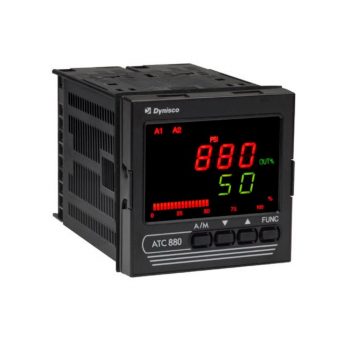
- Fast configuration to match specific settings and default parameters of the extruder
- Single device for heat control-only, heat/cool control, or indicator-only
- Universal input
- Selectable controller or indicator modes
- Heat only or heat/cool control type
- Process & loop alarms
- Available in 1/16 & 1/8 DIN formats
- Modbus RS485 communications
- Ramping setpoint
- Process alarms have adjustable hysteresis
- Three alarm settings are standard and can be used for process high, process low, SP deviation, band, logical OR / AND, loop alarm for process control security
 Datasheet Datasheet |
| User Manual |

Dynisco Display & Control Devices
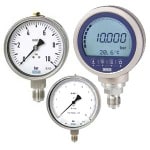
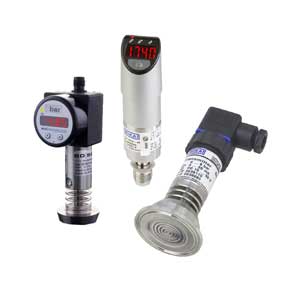
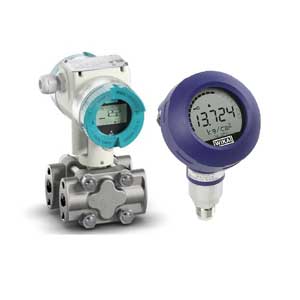
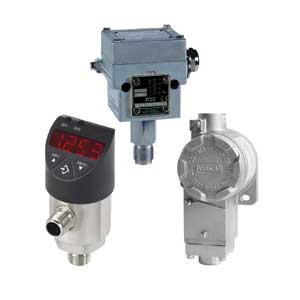
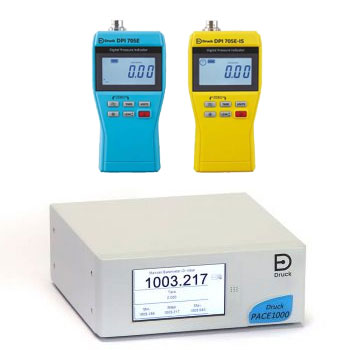
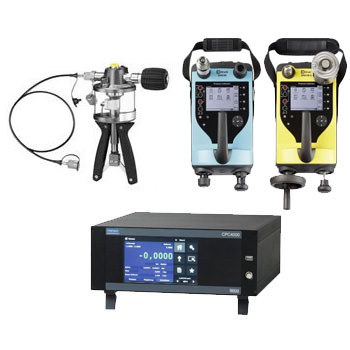
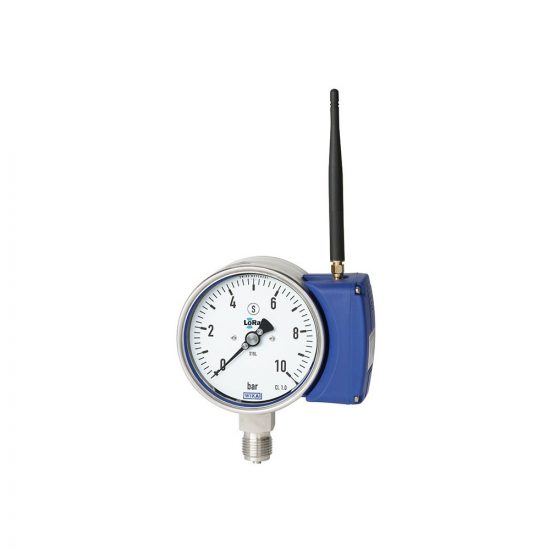
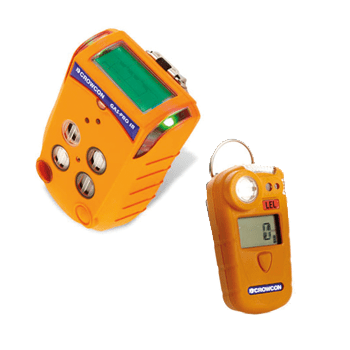
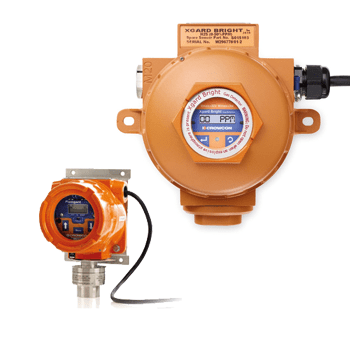
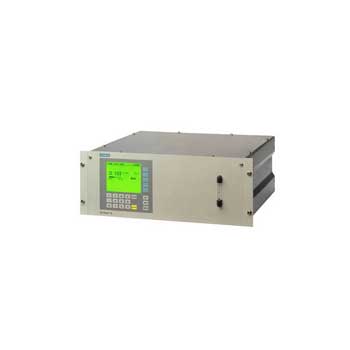
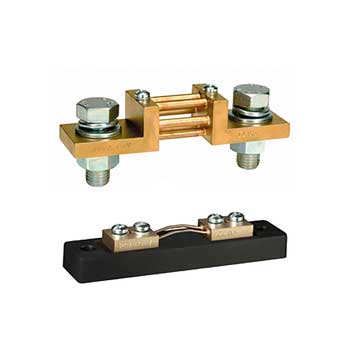
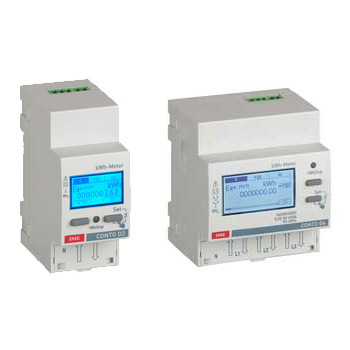
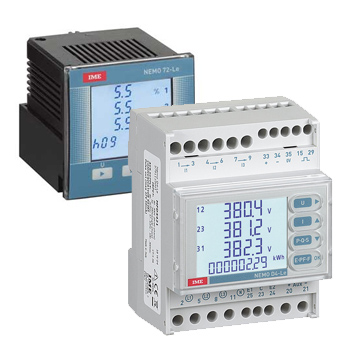
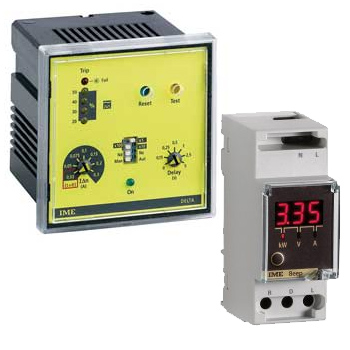
Dynisco’s display and control devices are instruments for visualizing and controlling process variables such as pressure or temperature — commonly used in industrial processes like plastic extrusion, injection molding, or general process automation. These devices take sensor or transmitter signals and convert them into readable displays (e.g. digital displays) or actionable control outputs. Thus, they enable continuous process monitoring, control loops, alarm handling and data logging — essential for safety, process control and quality assurance.
Questions & Answers about Dynisco Display & Control Devices
What are Dynisco display and control devices?
Devices that receive sensor inputs (e.g. from pressure or temperature sensors) and either display measured values (indicator) or control the process (controller), e.g. by regulating setpoints or triggering alarms.
Which process variables can they handle?
Typically pressure and temperature — depending on the connected sensor or transmitter. Many devices support various input types such as voltage, current, thermocouple, strain gauge, etc.
What functionalities can a typical controller offer?
Automatic setpoint control, heating or cooling regulation, differential-pressure control, alarm and safety functions, data logging, and communication interfaces.
How are measurements displayed?
Via digital or graphical displays, sometimes with alarm-LEDs; some models also show trends or logged events for process monitoring.
Do these devices support data logging or signal transmission?
Yes — many models offer data logging and communication interfaces (e.g. serial or bus), allowing storage of process values, alarms or events, or transmission to higher-level control systems.
What applications are typical?
Machine and plant control (e.g. extruders, injection molding machines), process monitoring, quality control, safety systems, automated control loops, or wherever pressure/temperature must be reliably monitored and controlled.
What advantages do they have over simple sensor or gauge solutions?
More automation and control, clearer display, alarm and logging capabilities, improved manageability — enhancing safety, stability and operational efficiency.
Are there different classes (indicator vs. controller)?
Yes — some devices are pure indicators (display only), while others are controllers with set-point regulation, control loops or alarm logic.
How flexible are they with regard to input and output signals?
Very flexible — they accept standard industrial input signals (voltage, current, thermocouple, strain gauge) and provide configurable outputs or communication interfaces depending on application requirements.
Why use display & control devices in a plant or process?
Because they make sensor data usable — allowing monitoring, control, safety, quality assurance and automation, which is critical to maintain stable and safe operation in complex industrial environments.